Turn your church's teaching into a searchable, source-backed archive.
Sermons, study guides, devotionals, livestreams, and pastoral resources become one archive members can search, ask, translate, and revisit, with every answer tied back to approved teaching.
I can't speak for everyone's journey — but from our teaching I can point you to a few honest first steps, and show you where each one is taught.
The first step is rarely a leap; it's turning up with your questions intact. Faith is taught as something you grow into through regular gathering, not a test you pass on day one.1
A common starting place is a single Gospel — often Mark — a few verses at a time, asking what it shows about Jesus rather than trying to settle everything at once.2
First steps hold better in company: a first-steps group, a conversation with a pastor, a midweek table — somewhere you can return to and be known.3
Three things at once — archive, site, and community.
Not three products to stitch together. One archive that becomes your members' search, your public church site, and your discipleship resources.
Archive
Everything your church has taught, gathered into one searchable memory.
- Sermons & teachings
- Devotionals
- PDFs & notes
- Livestreams
Site
A public church site rendered from the archive — no second tool to maintain.
- Service times
- Calendar
- Sermons
- Giving & ministry pages
Community
Member-facing search and resources, across the languages your church supports.
- Member search
- Multilingual resources
- Next steps
- Discipleship pathways
Not a folder of recordings. A living church archive.
It keeps growing as you teach, works across supported languages, and stays anchored in what your church has approved.
New teaching keeps entering
Each new sermon and resource joins the same searchable memory.
Sermons become searchable
Recordings turn into timestamped, citable text you can jump straight into.
Members ask in supported languages
Questions and answers can work across the languages your congregation supports.
Answers stay grounded
Responses draw from approved church material and show the sources behind the answer.
Guardrails route to people
Sensitive needs are handed to a pastor, not answered by a machine.
Members do not search like librarians.
They ask in plain words, in the middle of a hard week, in the language they pray in. The archive should meet them there, with answers grounded in your church's own teaching.
Archive material becomes a way to grow.
The same teaching that answers a question can become a guided path — so a search turns into a next step, not a dead end.
Sermon series
Connected teaching gathered into a path worth following.
Bible study plans
Study guides linked to the sermons they belong with.
New member track
First steps for new believers, drawn from your own material.
Youth & small group
Resources grouped for the way your groups actually meet.
Recommended next teaching
Where to go next, suggested from related material.
Answers should stay grounded in your church's own teaching.
Trust here is pastoral and operational. What the archive can say, who reviewed it, and who sees it are all things you set.
Approved-source scope
Answers draw only on the teaching and resources your church has approved.
Human-reviewed material
Transcripts and translations are reviewed by staff before members ever see them.
Sensitive-topic routing
Questions that need a person — grief, crisis, safeguarding, care, or pastoral discernment — can be routed to the right human pathway.
Staff-only notes
Internal notes and drafts stay with staff and never surface in member answers.
Public / member / private visibility
Set per item: open to all, members only, or kept private to the team.
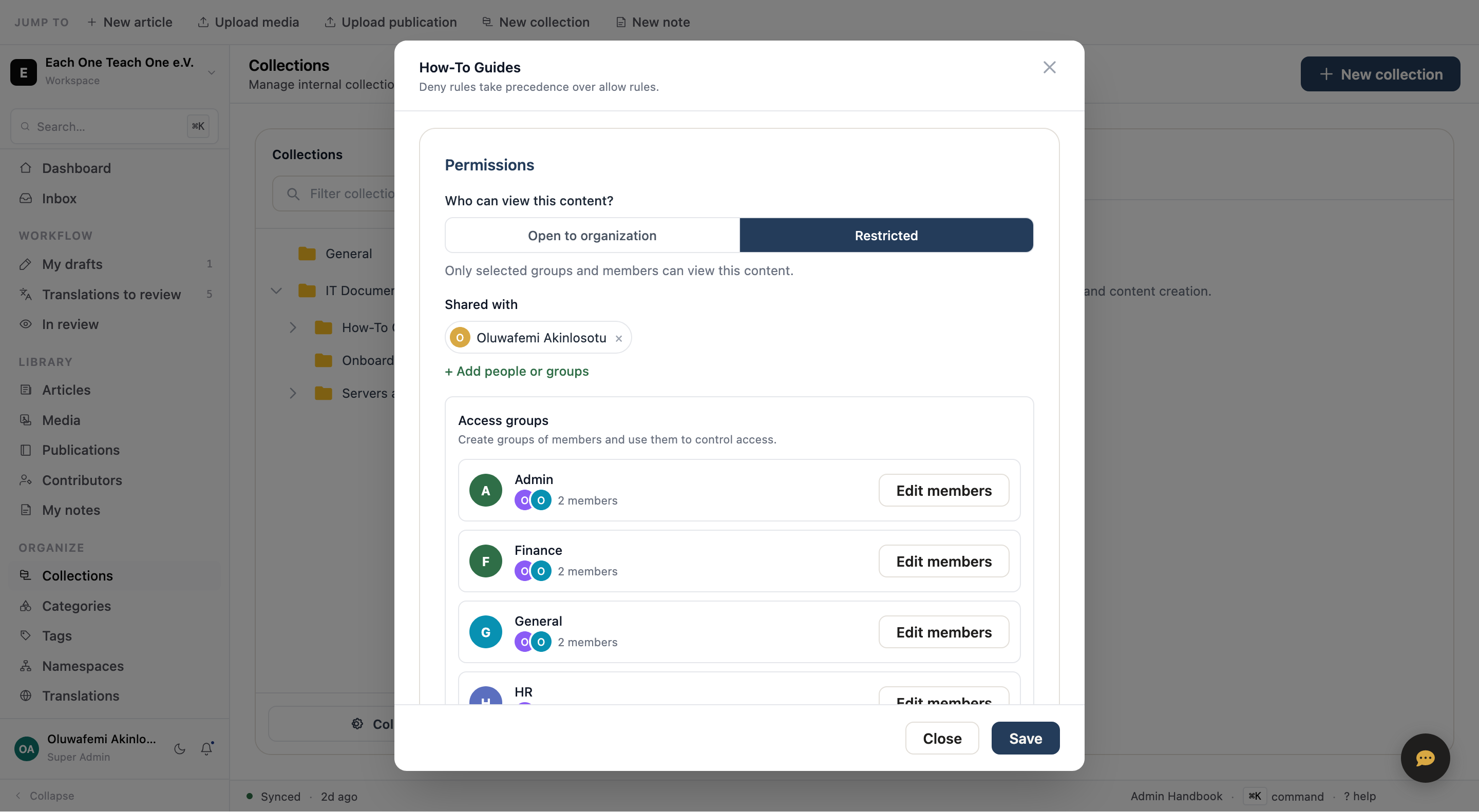
Language shouldn't decide who can reach the church's memory.
For diaspora and multilingual congregations, one sermon can become searchable through transcripts, summaries, subtitles, and reviewed translations without losing the words that were actually preached.
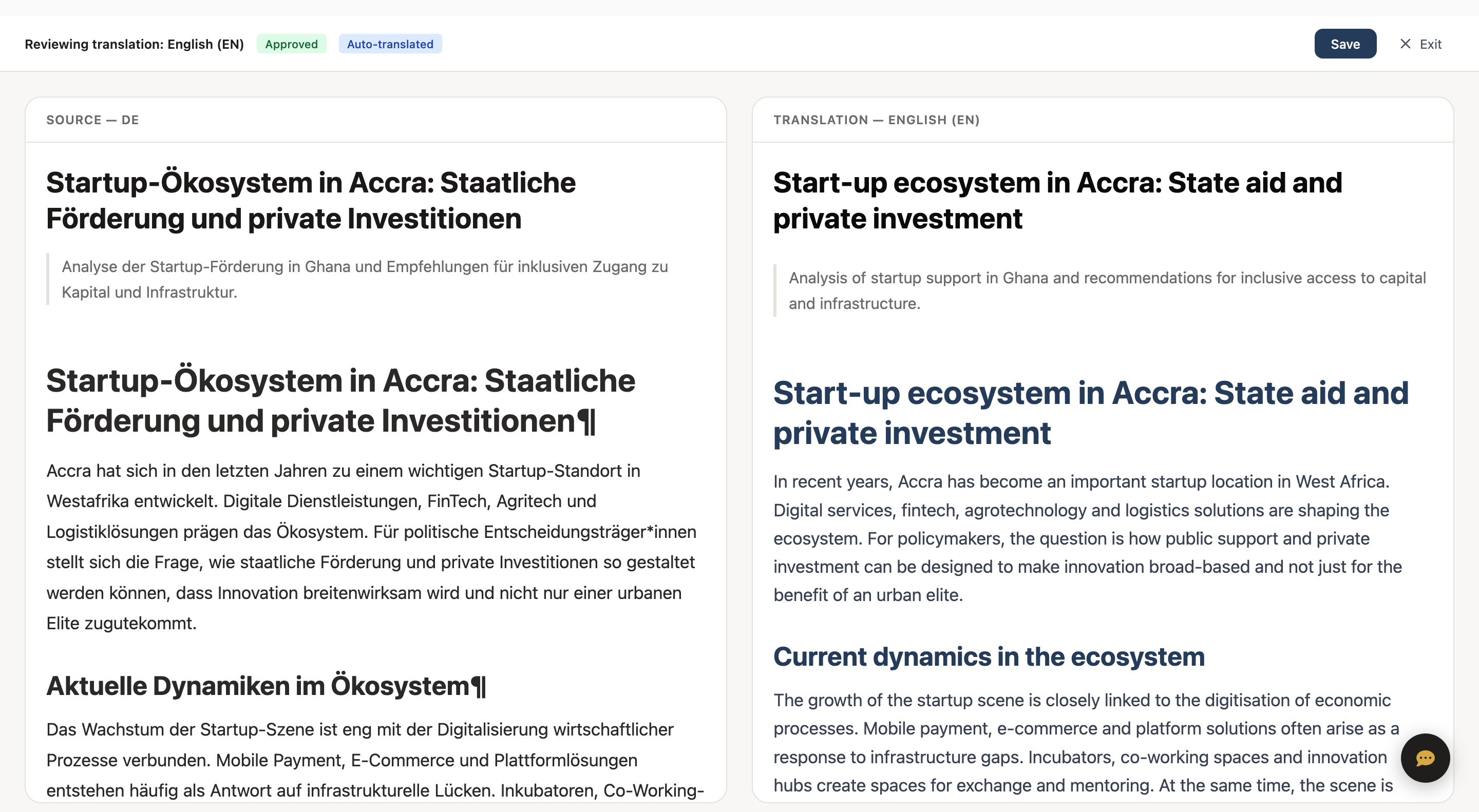
You already have the material. It just isn't answerable yet.
No new content to produce. The recordings, PDFs, and notes you already keep become a living archive — usually within the pilot.
- —YouTube sermons
- —PDFs in a drive
- —Old bulletins
- —Sermon notes
- —Livestream recordings
- +Timestamped sermon archive
- +Source-backed answers
- +Searchable study resources
- +Translated summaries
- +Public or member-only pages
Keep your current church site — or launch from a church template.
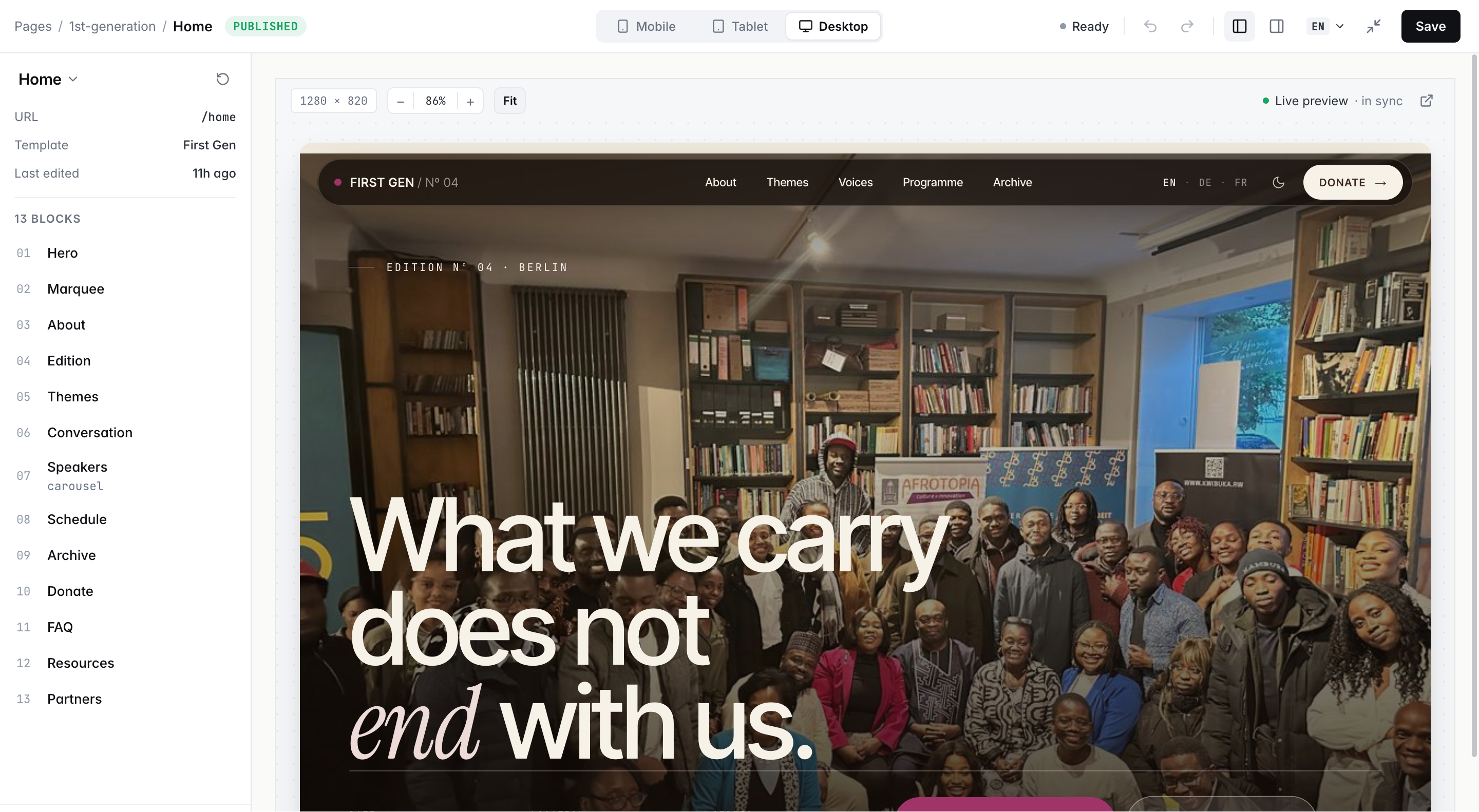
Keep the website you have and add sermon search, or launch a complete church site from a template. Same archive, same permissions, same source-backed answers.
Embed into your existing site
Drop-in- Sermon search
- Ask widget
- Series pages
- Giving CTA
- Member portal links
- Multilingual
Launch a church template
Public site · mobile-ready- Church homepage
- Sermons & series
- Calendar
- Ministries
- Giving
- Multilingual pages
Local churches keep their own archive — and share selected teaching.
A denomination, network, or diaspora fellowship can pool teaching without any church losing control of its own material.
per collection
Local church archives
Each church keeps its own users, members, languages, and teaching material.
Shared teaching
Approved sermons and resources appear in a denomination library, regional hub, or diaspora archive.
Church-controlled
Each church controls what stays private, member-only, public, or shared.
A guided 30-day pilot, with your own sermons.
Your pilot starts from the corpus you already have, then walks your team through the workspace, the public template, and the guardrails.
- ✓30-day guided pilot, run with your team
- ✓Built from your existing sermon corpus
- ✓Staff workspace walkthrough
- ✓Public church template preview
- ✓EU or US hosting, your choice
Frequently Asked Questions
Straight answers on giving, timing, sensitive questions, and how this fits the website you already run.
Can answers come only from our approved church teaching? +
Yes. The assistant answers from the church material you approve. Sermons, teaching notes, study guides, devotionals, transcripts, doctrinal documents, and trusted resources can all become part of that approved archive. Each answer points back to its source, so members can see where the response came from.
Does the assistant replace pastoral care? +
No. The assistant does not replace pastoral care, safeguarding, counselling, or spiritual discernment. Sensitive topics can trigger guardrails that guide members toward pastors, elders, prayer teams, safeguarding contacts, or other appropriate support.
Can we prevent the assistant from giving counselling, medical, legal, or safeguarding advice? +
Yes. The assistant is restricted from giving counselling, medical, legal, safeguarding, or crisis advice. In sensitive cases, it directs members toward the pastoral, safeguarding, or emergency support pathways defined by the church.
Can answers reflect our church's theological position? +
Yes. Answers are grounded in your church's approved teaching, sermon archive, study guides, doctrinal documents, and ministry resources, rather than behaving like a general theological chatbot.
Can we keep some material public, some member-only, and some staff-only? +
Yes. Your archive distinguishes between public teaching, member resources, staff-only notes, draft material, and restricted pastoral or operational content. Access follows collections, source types, roles, publishing status, and ministry context.
Where is our church data hosted? +
Hosting is agreed during setup. Churches that require European data residency can use EU-based hosting, with access controls and operational safeguards appropriate for church records, teaching archives, and member-facing resources.
What can we import from our current archive? +
You can start with the material you already have: sermon audio, video links, livestream recordings, PDFs, sermon notes, bulletins, study guides, devotionals, course material, and website pages. A pilot does not require a perfectly organized archive before work begins.
Can we use Loracta with our existing church website? +
Yes. Your existing website can keep running while sermon search, archive pages, or an ask interface are embedded alongside it. If your church also needs a new public site, you can launch from a church template built around sermons, service times, ministries, giving, and next steps.
Does Loracta handle giving, or replace our church management software? +
No. Your archive, search, and public site can link out to the giving and church-management tools you already use. Giving records and member records stay where they are.
How long does a church pilot take? +
Most pilots start with a focused body of material and one clear use case, such as a sermon archive, a sermon series, or multilingual member search. A guided 30-day pilot is usually enough to import representative material, test search and answers, review transcripts or translations, and decide what belongs on the public site, member area, or internal workspace.
Can members search sermons in their own language? +
Yes. Sermons can be transcribed, translated, and retrieved across supported languages, so a member can ask in one language and discover relevant teaching originally recorded or written in another. Human review can be added before publication where accuracy, doctrine, or tone require extra care.
What happens when the archive does not contain the answer? +
When the archive does not contain enough relevant source material, the assistant says it does not have the answer. It can point members to related sources, or route the question to a human team where configured. Source-backed retrieval makes uncertainty visible rather than hiding it.
Can answers include sermon timestamps or source links? +
Yes. Sermons, recordings, and teaching material can be cited back to the relevant source, including timestamps where available. This keeps the archive useful while preserving trust in the original teaching.
What happens if we stop using Loracta? +
Your church's teaching remains your church's content. You can export source material, core metadata, transcripts, and other archive records in a usable format. The exact export scope depends on your configuration, but the principle is simple: your archive should be stewarded, not locked away.
Make your church's teaching answerable.
Start with what you already have — sermons, study guides, devotionals, and livestreams. In the pilot, your team can test a searchable, multilingual, church-reviewed archive with real member questions.